How to Verify Indian Doctor Registration Numbers with an NMC Lookup API
Use an NMC doctor lookup API to verify Indian doctor registration numbers, run batch checks, search by name or council, and return structured JSON for credential workflows.
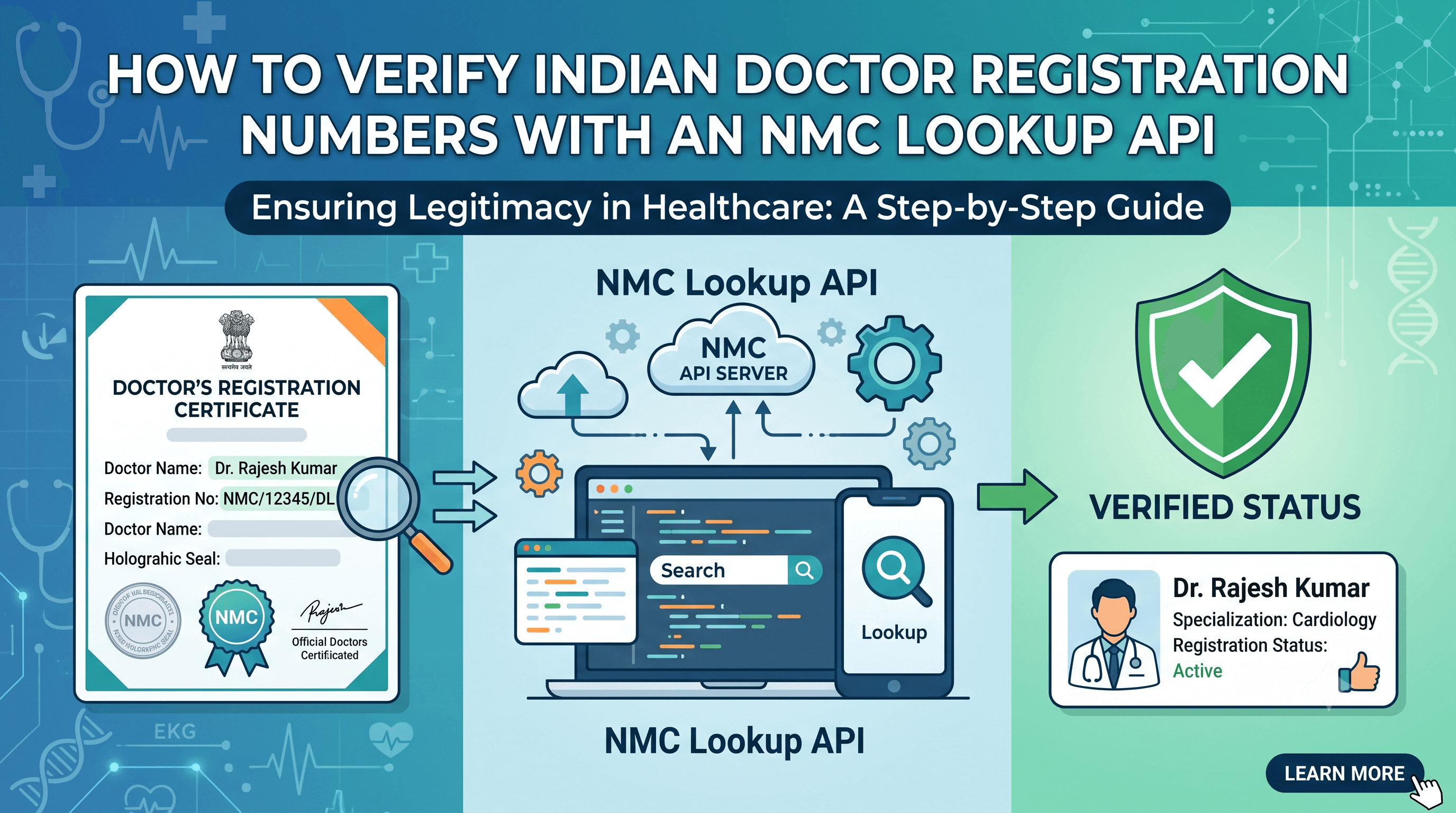
The surprising part about doctor registration verification is that a registration number alone may not always be enough. The same number can appear across different State Medical Councils, which means a lookup workflow has to handle ambiguity instead of pretending every match is final.
That is exactly where a structured NMC lookup API helps.
The NMC Doctor Lookup & Verification India actor verifies Indian doctor registration numbers against the National Medical Commission Indian Medical Register, supports batch checks, and returns JSON that verification teams can review or store.
SEO Brief
Primary key phrase: NMC doctor lookup API
Secondary key phrases: NMC registration verification, Indian Medical Register lookup, verify doctor registration India, NMC doctor verification, doctor credential verification API
Internal links to use: Scrapers, Projects, The Verifico
Authority links to include: NMC Indian Medical Register, Apify Actors documentation, Apify API documentation
Visual suggestions: create a verification flow from registration number to NMC lookup to status; add a status table for valid, removed, restored, ambiguous, not_found, and error; add a batch-processing diagram for onboarding teams.
Buyer Intent Snapshot
Best-fit readers: healthtech teams, hospitals, clinics, insurance teams, lending teams, compliance teams, and KYC operators in India.
Commercial intent: high. These readers need a verification workflow, not a blog about healthcare digitization.
Conversion path: explain the verification problem, show input and output examples, then route readers to the NMC Doctor Lookup & Verification India actor.
What the Actor Does
The actor uses public NMC Indian Medical Register data to:
- Verify one doctor registration number.
- Verify many registration numbers in one run.
- Search by doctor name, registration year, State Medical Council ID, or council name.
- Fetch detailed NMC records when a unique match is found.
- Return structured JSON for credential checks and internal workflows.
It is not affiliated with or endorsed by the National Medical Commission. It automates lookup against public NMC IMR data.
When to Use It
Use the actor when you need:
- Doctor onboarding checks
- Healthcare KYC workflows
- Clinic or hospital credential review
- Insurance provider validation
- Lending or compliance checks
- Batch verification from spreadsheets
- Search when only partial doctor details are available
The most reliable path is registration verification. Name search is useful for exploration, but name-based matching can return multiple candidates.
Input Examples
Verify one registration:
{
  "registrationId": "2000010031",
  "stateMedicalCouncil": "Maharashtra Medical Council"
}
Verify a batch:
{
  "registrationIds": ["2000010031", "12345"],
  "maxConcurrency": 3,
  "delayMs": 100
}
Search by name and year:
{
  "name": "salunkhe",
  "year": 2000,
  "maxResults": 25,
  "includeDetails": false
}
Output That Operators Can Use
A useful verification result should not only say "found." It should say what happened and why.
Common fields include:
| Field | Why It Matters |
|---|---|
status | Tells the operator what happened |
isValid | Boolean result for verification workflows |
doctorName | Matched doctor name |
registrationId | Registration number checked |
stateMedicalCouncil | Council context for disambiguation |
registrationDate | Registration timeline |
qualification | Credential context |
source | Audit source |
checkedAt | Timestamp for compliance records |
Statuses include:
validremovedrestorednot_foundambiguouscandidateerror
The ambiguous status is important. It tells the operator to add council context instead of accepting the wrong match.
Verification vs Search
Use verification when you have a registration number.
Use search when:
- You have a name but no registration number.
- You know the registration year.
- You know the State Medical Council.
- You need to find candidates before manual review.
Search results should be treated as candidates, not verified identities. That is a better operational habit than forcing a false match.
Workflow for Healthcare Teams
- Collect registration numbers during onboarding.
- Run a batch check through the actor.
- Review
valid,removed,restored,not_found, andambiguousresults separately. - Ask for State Medical Council context when a result is ambiguous.
- Store the output JSON with source and checked date.
- Recheck records on a schedule if your policy requires it.
This gives the team an audit trail without maintaining a custom NMC scraper.
Safe Use Notes
Credential verification is sensitive operational work.
Keep the workflow careful:
- Use official or public source data.
- Store only what you need for verification.
- Keep source and checked date.
- Review ambiguous matches manually.
- Do not present search candidates as verified doctors.
- Add human review before rejecting or approving high-stakes records.
Final Takeaway
The NMC Doctor Lookup & Verification India actor is best for teams that need structured doctor registration checks without building and maintaining their own lookup pipeline.
Use registration verification for reliable checks, search for discovery, and manual review for ambiguous cases.